

WooCommerce 11.1 introduces Order Withdrawal, bringing the right of order withdrawal functionality to better serve EU customers. This gives customers a simple, self-serve way to request a withdrawal from their order within 14 days of placing it.
This feature may help your store meet these requirements, but it does not guarantee compliance. For guidance specific to your business and where your customers are located, please consult a legal professional.
How to enable it
Order Withdrawal is disabled by default, since it won’t apply to every store. One can enable it by following the steps below:
- Go to WooCommerce > Settings > Advanced > Features
- Enable the Order Withdrawal option
- Save your changes
Once enabled, the request form becomes available at /my-account/withdraw-order for you to surface it to your users. You can change that URL by editing the endpoint under WooCommerce > Settings > Advanced > Page Setup. The page works whether or not the customer is logged in, so a shopper who checked out as a guest can still find it.
Note: By default the “Order Withdrawal” page is available for all users logged in or not, but it is not linked anywhere by default. You can surface it by adding a link to the page from a prominent location, like your store’s footer and/or order emails.
What the customer sees
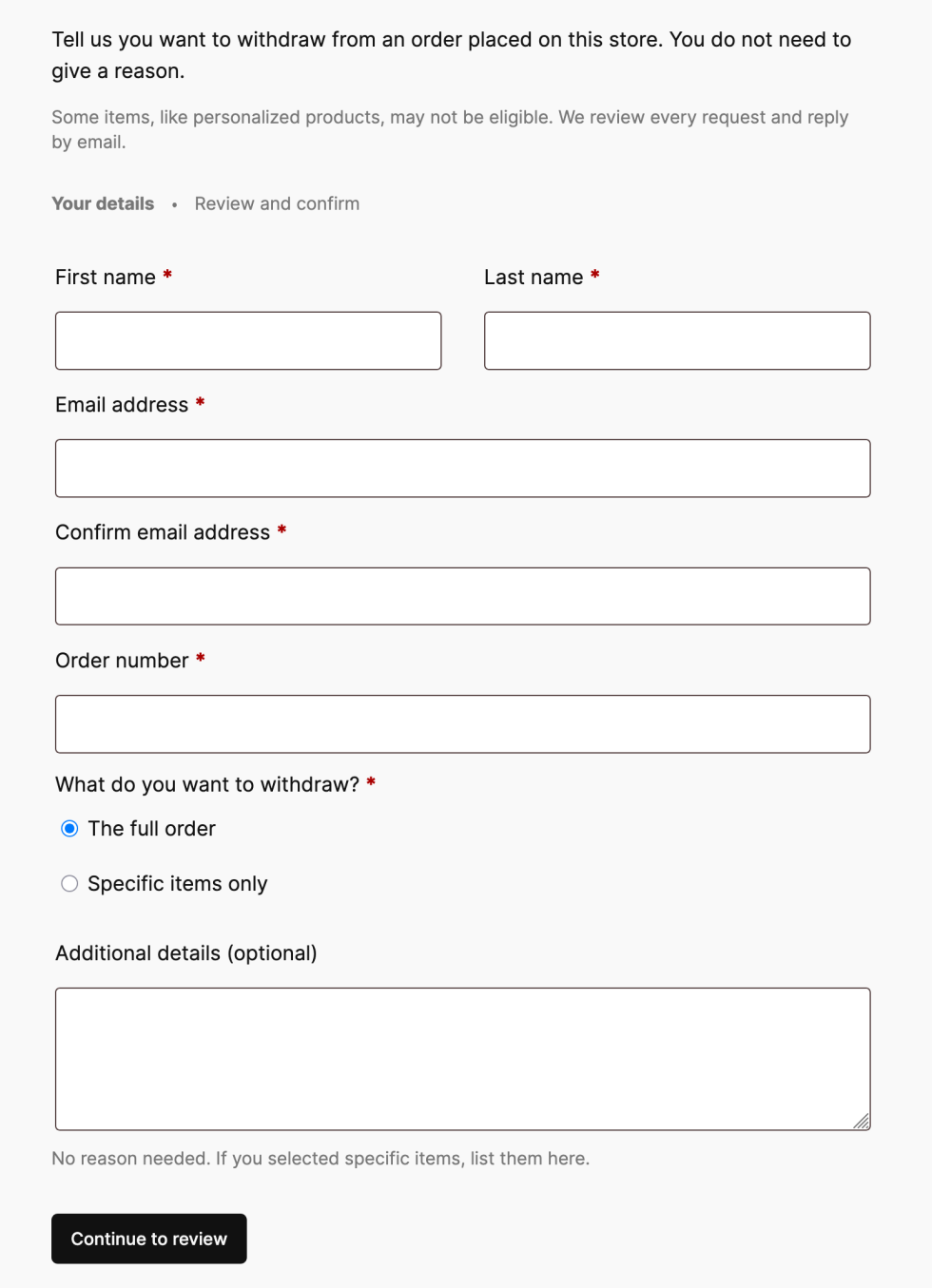
A customer who visits the withdrawal page is presented with a short request form. After filling it in, they get a chance to review their details before submitting.
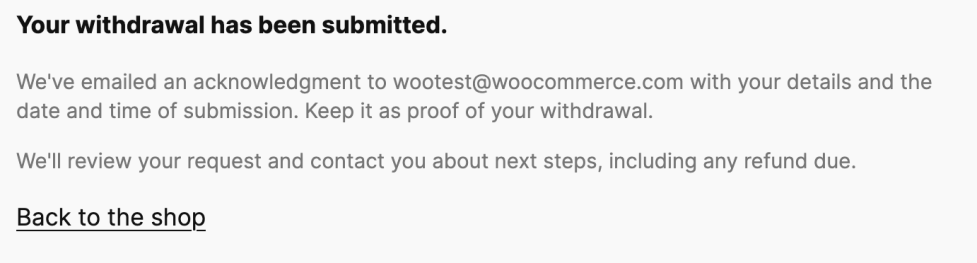
Once they submit the request, they see a confirmation screen and receive an acknowledgment email containing the details they entered. This gives the customer a confirmation that their request has been submitted and provides a record of the request.
What the merchant sees
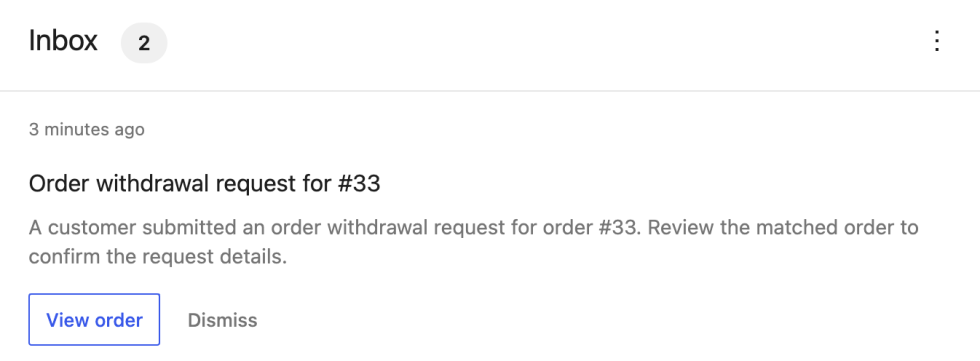
When a request comes in, we make sure the store owners know about it in a couple of ways: an email notification for the withdrawal request, and an inbox notification on your WooCommerce home screen.
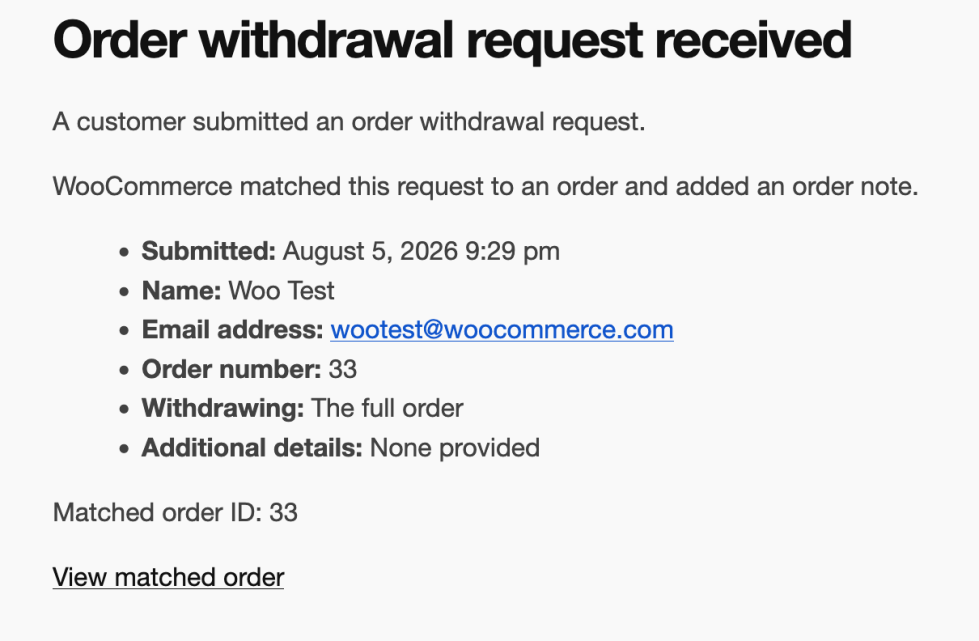
If the order number and billing email match an existing order, the request is automatically linked to that order, and an order note is added. If there’s no match, the request is still accepted, and the customer still gets their acknowledgment email; the notification simply flags that manual review is needed and skips the order link.
Submitting a withdrawal request does not change the order status, cancel the order, or issue a refund. How a store handles each request is up to the owner, whether that’s approving a refund, asking for the item back, or following up for more information.
What’s next
Order Withdrawal is coming in WooCommerce 11.1. Give it a try, and let us know how it works for your store!

Leave a Reply